Kubernetes Configuration Setup in OpenStack using Magnum
This guide outlines the steps to retrieve the Kubernetes configuration file and set up the necessary environment variables to work with Kubernetes clusters deployed via OpenStack Magnum.
1. Update your system
First, make sure your system’s package index is updated:
sudo apt update
2. Install Python Pip
Install the python3-pip package, which allows you to manage Python packages:
sudo apt install python3-pip
3. Install OpenStack and Magnum Clients
You need to install the OpenStack client and the Magnum client for interacting with your COE (Container Orchestration Engine) cluster.
Install the OpenStack client:
sudo pip3 install python-openstackclient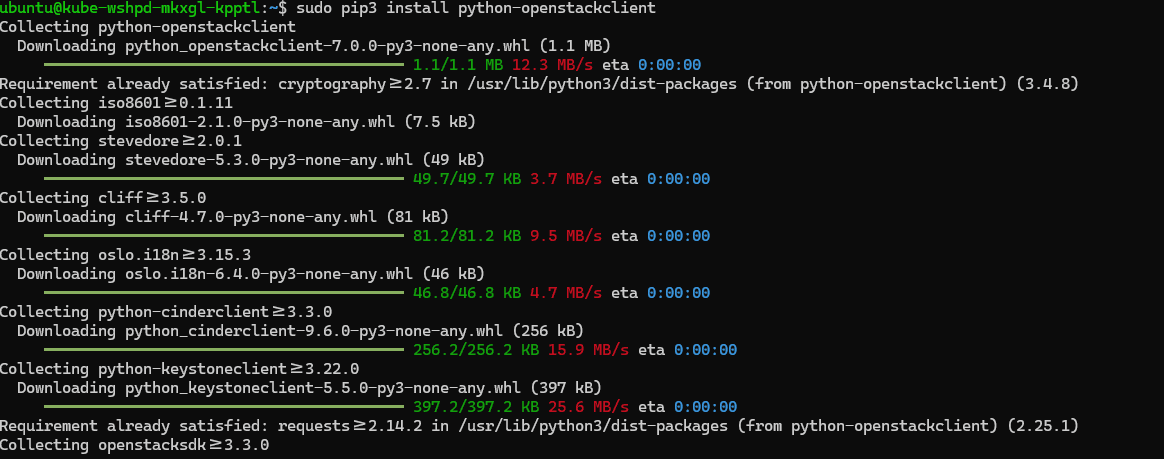
Install the Magnum client:
sudo pip3 install python-magnumclient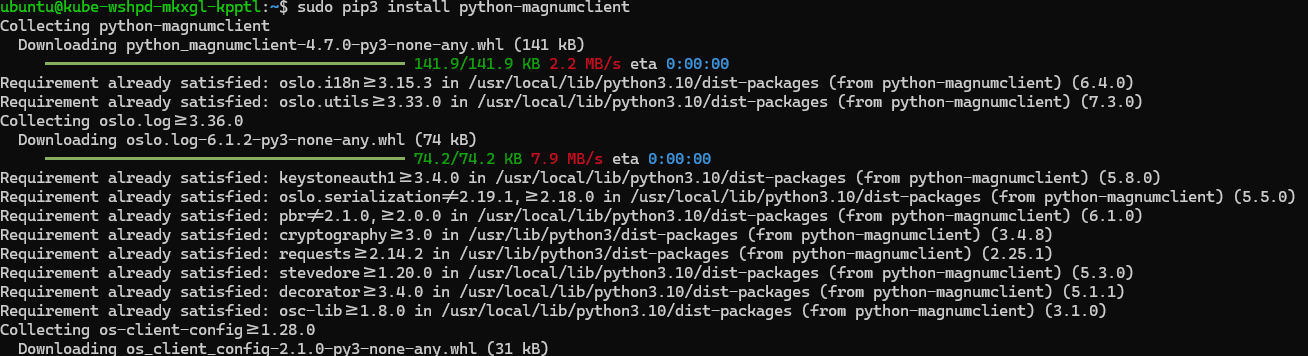
4. List Available COE Clusters
Before interacting with OpenStack, you need to download and source the OpenStack RC file. This file contains environment variables necessary to authenticate and interact with OpenStack.
Download or create the OpenStack RC File
To download or create the OpenStack RC file, please refer to this document.
Source the OpenStack RC File
Once the RC file is obtained, source it to load the environment variables into your current session:
source <path_to_your_openrc_file>Replace <path_to_your_openrc_file> with the actual path to your OpenStack RC file.
See the available clusters
To see the available clusters in your OpenStack environment, run:
openstack coe cluster list
Take note of the Cluster Name or Cluster ID from the list, as you will need it later.
5. Install kubectl
kubectl is the command-line tool to interact with your Kubernetes cluster. Here’s how to download and install it:
Download the latest stable release of kubectl:
curl -LO https://dl.k8s.io/release/$(curl -L -s https://dl.k8s.io/release/stable.txt)/bin/linux/amd64/kubectlMake the downloaded file executable:
chmod +x kubectl
Move kubectl to a directory in your system’s PATH:
sudo mv kubectl /usr/local/bin/kubectl6. Create a Directory for Kubernetes Configuration
To store your Kubernetes configuration files, create a directory:
mkdir k8s7. Download the Kubernetes Configuration File
Now, use the Magnum client to download the Kubernetes configuration for your specific cluster. Replace <Cluster_Name/ID> with the actual Cluster Name or Cluster ID obtained earlier:
openstack coe cluster config --dir k8s <Cluster_Name/ID>8. Set the KUBECONFIG Environment Variable
Finally, set the KUBECONFIG environment variable to point to the Kubernetes configuration file you just downloaded. This allows kubectl to connect to the correct cluster:
export KUBECONFIG=/home/ubuntu/k8s/config
Now, you are ready to use kubectl to interact with your Kubernetes cluster!